
Video eCards That Play Right on the Card
Upload a clip from your phone, record one with your webcam, or paste a YouTube, Vimeo, or Wistia link. It plays on the card with captions, under your logo, sent today or on the date you pick.
- iPhone and 4K videos converted for you
- Captions written for you
- Send now or schedule
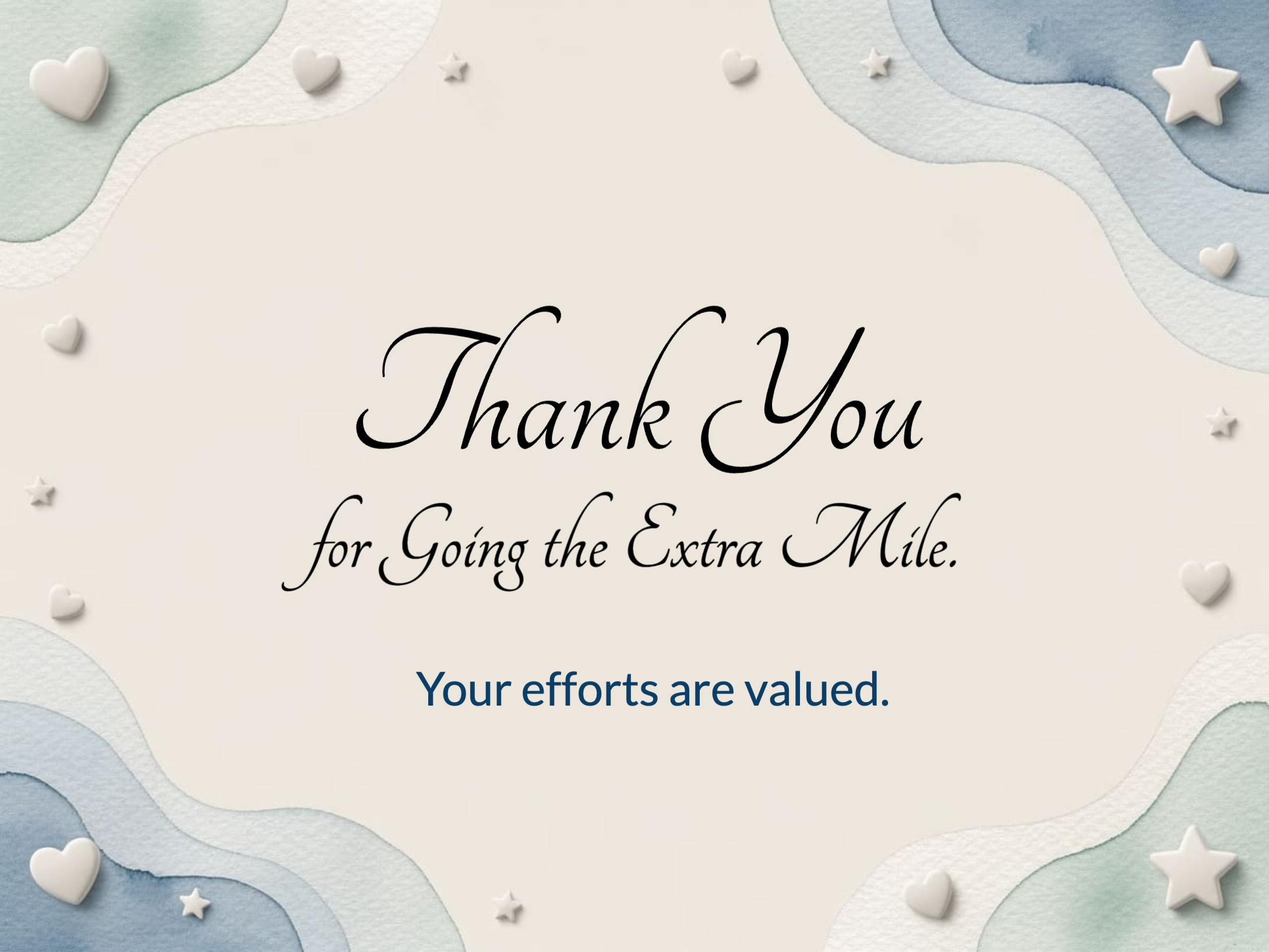
Maya, the launch went out on time because you kept everyone moving. Thank you. From the Product team
Three ways to add a video
Pick whatever you already have. No editing software, no file settings to get right.
Upload
Any video from your phone or computer. iPhone HEVC files, MOV, MKV, and 4K clips are converted to MP4 in your browser before they upload, so there is nothing to export first.
Up to 1 GB and any length for admins.
Record
Hit record and use your webcam without leaving the card. Your browser asks for the camera, and the clip is saved at 720p with sound.
Record as long as you need.
Link
Paste a YouTube, Vimeo, or Wistia link and the video plays on the card from the provider. For YouTube, mark the video unlisted so no ads run before it.
Good for longer company videos you already host.
Put it where it matters
On the cover
The clip is the first thing they see. Cover video is set in designer mode, so it travels with every send of that template.
On a page
Put a clip inside the card next to text, photos, and GIFs, so the video sits with the written message.
When the card opens
Use Video on Open to play a clip as the card is opened, on the back of the card or on its own card.
Plays on the card online. Email and print show its first frame.
Every clip has four settings, all on to start. Turn off Repeat for a one-time message, or Start muted if the card is opened at a desk.
Captions are written for you
Upload a video and captions are written from the audio a minute or two later. They show by default, so the message lands even when the card is opened with the sound off.
Fix a name or a word in the captions editor, or upload your own .vtt or .srt file.
Let the whole team add video
Video isn’t only for the admin who designs the card.
On your sending forms
Employees sending a thank-you from your recognition form can upload or record a clip of up to 5 minutes. Switch it on or off per form under Studio, Page tools, Videos.
On group cards
For a farewell or a retirement, each colleague adds their own page with a clip and a note, and everyone’s message arrives in one card.
On recognition boards
Boards stay open for posts, including video. Embed one on your intranet and the clips play muted on the wall.
Where a video eCard works best
Work anniversaries
A message from their manager, scheduled for the morning of the anniversary.
Learn morePeer recognition
Let employees add their own clip when they send a thank-you from your recognition form.
Learn moreOnboarding welcomes
The team says hello before the new hire’s first morning.
Leadership messages
One recording from the CEO, sent to the whole company on the holiday.
Customer thank-yous
An account manager on camera, under your logo, instead of a templated email.
Learn moreSpecs and limits
| Ways to add video | Upload, record with a webcam, or paste a YouTube, Vimeo, or Wistia link |
|---|---|
| Upload size and length | Admins: up to 1 GB, any length. Senders on your forms: up to 5 minutes per clip. |
| File types | Any common phone or camera video. iPhone HEVC, MOV, MKV and 4K are converted to MP4 (H.264) in the browser. |
| Resolution | Stored up to 1080p (1920 px on the longest side). Larger videos are scaled down. |
| Recording | 720p with sound. Senders can record up to 5 minutes. |
| Captions | Written from the audio for uploaded MP4 videos. Edit them, or upload a .vtt or .srt file. |
| Playback settings | Play on its own, Repeat, Start muted, Show the controls. All on by default, per clip. |
| Email and print | Show the first frame of the clip. The video plays on the card online. |
| Daily limit | 100 video uploads per account per day |
Video eCard questions
Do recipients need an app or an account to watch?+
No. The card opens in the browser from the email or text link, and the video plays on the card on desktop and mobile.
Does the video play inside the email?+
No. Email can’t play video reliably, so the email shows the first frame of the clip and a button to open the card. The video plays on the card.
Why does the video start muted?+
Browsers only let a video play on its own if it starts muted. Start muted is on by default so the clip plays as soon as the card opens, and the viewer taps for sound. Captions carry the message in the meantime. You can switch Start muted off per clip.
What if my video is an iPhone HEVC file or 4K?+
Upload it as is. The browser converts it to MP4 (H.264) at up to 1080p before it uploads.
How long can a video be?+
Admins can upload or record any length, up to 1 GB per file. Employees sending from your forms can add clips up to 5 minutes.
Can employees add video when they send a card?+
Yes, if you allow it. On the form, open Studio, then Page tools, and switch on Videos. New forms start with it on.
Can I schedule a video eCard?+
Yes. Video is part of the card design, so scheduled and automated sends, like birthdays and work anniversaries, carry it as built.
Can I edit the clip before adding it?+
Trimming, titles, and b-roll happen before upload. A browser editor like VEED’s video editor works well, then upload the export to the card.
Send your first video eCard
Your logo, your clip, their name, on the date. Join 9,000+ organizations sending branded eCards.
See pricing