
An Employee of the Month Program People Actually Notice
Peer nominations through a branded form, a company-wide announcement eCard, and a winner card with an optional gift card inside. Every send is scheduled ahead, so the month runs on the calendar, not on memory.
30-minute personalized walkthrough · tailored to your program · no commitment


In short
An employee of the month program recognizes one employee each month, chosen by peers against published criteria. eCardWidget runs it with an embedded nomination form, a scheduled company-wide announcement eCard, and a winner card with an optional gift card inside.
- Nomination form embedded on SharePoint or any intranet page
- Announcement eCard scheduled to the whole directory, with open tracking
- Winner card with an optional gift card (Enterprise plan)
Trusted by 9,000+ organizations






Why most employee of the month programs quietly stop
The idea is sound: one person, one month, chosen by colleagues, recognized in front of everyone. The execution usually depends on one HR person remembering to collect nominations, pick a winner, print something, and tell the company. Miss two months and the program is over. The fix is not more enthusiasm; it is a cycle that runs whether or not anyone is busy.
Nominations get lost in email
An eCard form embedded on the intranet lets employees send a nomination to one HR inbox, with the nominee and the reason in the message, so nothing is lost in a thread.
The announcement reaches nobody
A plaque by the door is invisible to a second site or a remote team. A company-wide eCard lands in every inbox, and the open rate tells you it was seen.
The cycle depends on one person
Scheduled sends put the call for nominations, the reminder, and the announcement on the calendar ahead of time, each with its own send date, so the month does not wait on anyone remembering.
The same three people always win
Published criteria and a rotating monthly theme spread recognition across roles that never win a sales-style contest.
Nominations, announcement, and reward in one place
Three pieces that turn a plaque by the door into a program the whole company sees.

Anyone can say thank you in under a minute, with no login to forget
A recognition form on SharePoint, your intranet, or behind a share link you can put on a QR code. Pick a colleague from the directory, write two sentences, send. The card arrives by email, text, or WhatsApp and opens in any browser, so frontline staff without a company inbox are in.
- Embed with one iFrame or share the link; no login for sender or recipient
- Profanity filter and domain allowlists keep it tidy; every send shows in reporting
A branded card that opens anywhere, with no login
The card arrives at whatever email is in the directory, work or personal, and opens full screen in any browser, on a laptop or a phone. Nothing to install for the frontline or the field.
- Hundreds of templates or your own artwork
- Your logo and colors on every card
A real gift card inside the card, at face value, only when the moment earns one
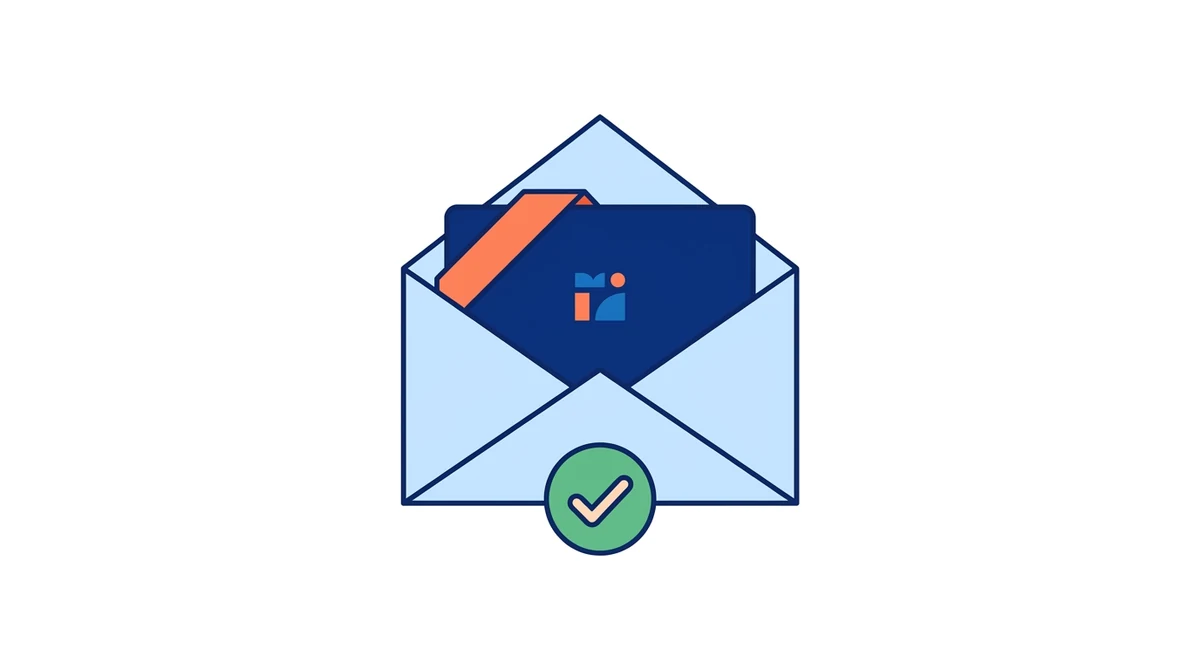
On the Enterprise plan, attach a gift card from your own Giftbit account or a pool of codes you already own to a milestone tier, a spot award, or a campaign. The employee claims it with a one-time code and no account. Per-card ranges, hourly, daily, and monthly caps, and an audit log with CSV export keep Finance and payroll happy.
- Stays off until you turn it on; cards without a reward still go out
- Caps set once, every order and claim logged
Know what was sent, opened, and clicked, from day one
Sent, delivered, opened, clicked, shared, and bounced, per card, per automation, and per campaign. The CSV export goes to leadership without a spreadsheet.
- Opens and clicks per card
- CSV export for HR and leadership
Run employee of the month in four steps a month
Each step is a scheduled send or a form. Nobody has to remember anything.
Collect nominations
An embedded eCard form, branded to you, lets employees send a nomination to HR with the nominee and the reason in the message. Put it on SharePoint or your intranet, or link it from the call for nominations.
Choose the winner
Review the nominations against the criteria you published. Rotating categories (customer care one month, teamwork the next) keeps the same three people from winning every time.
Announce it to everyone
One bulk send to the whole team directory: the winner, the nomination that won, a note from leadership. Merge tags personalize the greeting for every recipient.
Reward the winner
A personal eCard to the winner, designed like a certificate if you want one, with an optional gift card attached on the Enterprise plan. Claimed in one click, logged for payroll.
See an employee of the month program on your branding
30 minutes, on your branding, no commitment.
A monthly cadence you set on the calendar
Each send is a bulk campaign to the directory with a scheduled date. Set up the call for nominations, the reminder, and the announcement ahead of time and the month runs without anyone remembering. Birthday and work anniversary eCards run fully automatically from the same directory.
- Call for nominations on the first, reminder mid-month, announcement on the date you choose, each scheduled in advance
- A rotating monthly theme keeps the award fair and interesting
- Name the runners-up in the announcement you write and the recognition multiplies
- List past winners in the announcement and a monthly award becomes a tradition
Recognition that is still happening a year after launch
Most programs die the same way: managers forget, the tool gets ignored, and the cards start to feel like a template blast. eCardWidget is built for the tough cases, so recognition keeps happening whether or not anyone remembers.
A flood on the day, not one email
Birthday, anniversary, and milestone cards go out on their own from hire dates. Days ahead, the manager and the department get a heads-up and schedule their own personalized cards, so the employee gets a flood of recognition on the day, not one email.
The safety net
Even if nobody schedules a personal card, the company card still lands on the date. Minimum guaranteed recognition: every person, every year, and usually a stack of personal ones on top.
Nothing performative
Every automated card is different: rotating designs, personalized messages, and the manager's own words on top. Year two never repeats year one.
Your campaign, our infrastructure
You write the manager notification emails in your own voice, add in-person shout-out ideas, and run it from SharePoint or Teams. The tool carries the campaign. The culture is yours.
Reaches the plant floor
A share link lets anyone create a card and send it by text, personal email, or messaging app, so frontline staff without a company inbox are in. Customers run this today for factory and field teams.
Locked down to IT's taste
From/to-only cards, no attachments, a profanity filter, and an HR moderation queue when you want one. A security page and questionnaire support for the vetting.
Gift card rewards are optional and stay off until you want them.
What HR and culture leaders say after launch
Verbatim from the people who run recognition at Axon, Modivcare, and a 7,000-person organization.
"We've been using the eCard widget to automate our birthday and service anniversary messages, and it has genuinely transformed our workflow. What once took hours each month now happens seamlessly in the background."
"We have been able to create birthday cards, anniversary cards, company value cards as well as get well soon, thank you, and sympathy. This program has enhanced our overall culture, and I couldn't be more satisfied with my experience."
"A+ customer service and plugin! Loved the plugin/widget from the beginning, and Tim made it even better by being super helpful and responsive to ensure it worked well for our organization of about 7,000 staff."
Design choices that keep the program fair and interesting
The difference between a program people roll their eyes at and one they want to win.
Publish the criteria
Three or four behaviors, written down, so nominations are about what someone did, not who is popular.
Rotate the theme
A different value each month spreads recognition across roles that never win a sales-style contest.
Recognize the nominators too
A short thank-you eCard to everyone who submitted keeps participation up next month. Naming three or four runners-up in the announcement multiplies the recognition without diluting the award.
Pair it with spot awards
One winner a month cannot cover a good month. Spot awards handle the other wins the same day they happen.
Know the announcement was seen
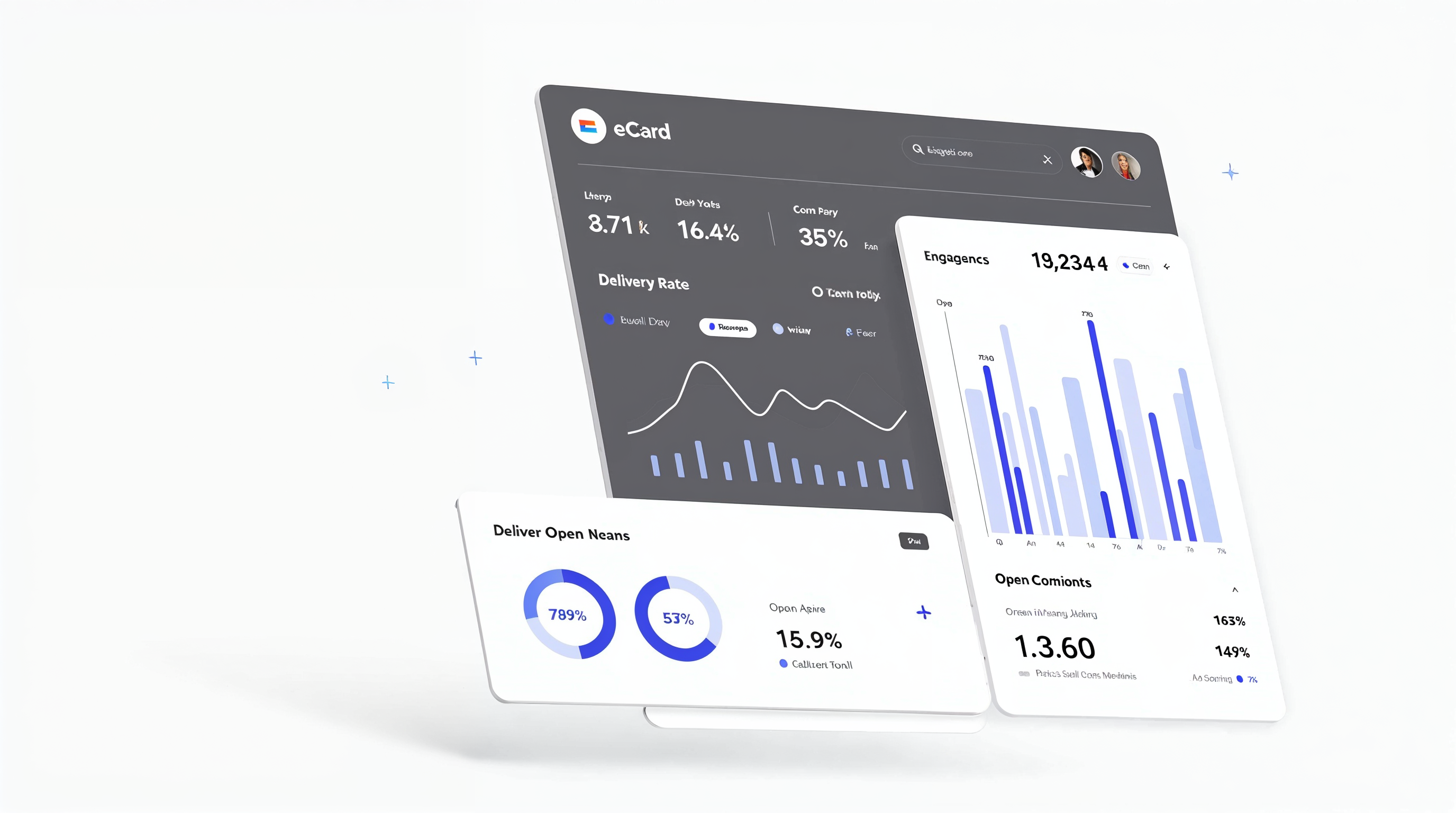
A plaque cannot tell you who walked past it. The announcement eCard reports opens and clicks by department, and every nomination and reward is on the record.
- Opens and clicks on every announcement, by department
- Nomination volume month over month
- Reward orders and claims in an audit log with CSV export
Rated 5.0 on Capterra and G2 by the HR teams who run it
Reviewers rate eCardWidget 5.0 out of 5 on Capterra, with 4.8 for ease of use and 5.0 for customer service, and 5 stars on G2 and the Shopify App Store. Support is a real person who answers the same day.
Employee of the month is a good start. It is rarely enough on its own.
The same directory and templates run birthdays, work anniversaries, service awards, and spot recognition automatically, so the program covers every employee, not one a month.
Employee of the month, answered
Common questions about starting and running an employee of the month program
See an employee of the month program on your branding in 30 minutes
We will embed a nomination form, schedule a company-wide announcement, and send a winner card with a reward inside, all on your templates. Bring your criteria; we bring the demo account.
- A nomination form on a sample intranet page, sending to one HR inbox
- The announcement eCard scheduled to the whole directory, with open tracking
- The winner card with an optional gift card attached
- No pressure to decide on the call
Book your demo
Pick a time on the next screen. We will come prepared with your use case.